Assign a Room that is Already Assigned and Blocked from the Inventory
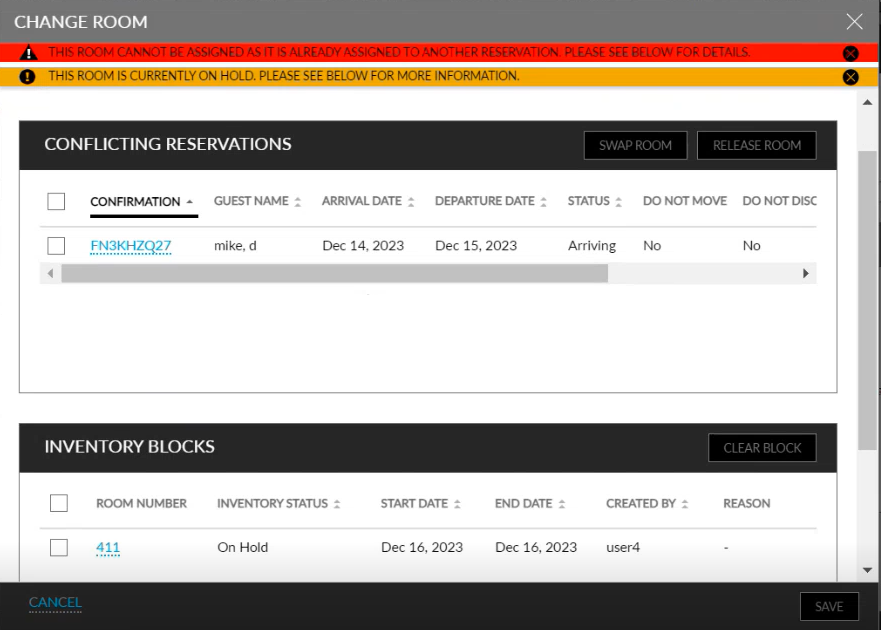
When users enter a room number, in the Change Room pop-up screen, for a room that has an Inventory Block (Out of Order, Off the Market, On Hold) created for the reservation’s duration of stay and is assigned to a different reservation, the Change Room pop-up screen displays the details of both the conflicting reservations and the inventory blocks created for the selected room.
Users must either clear the On Hold inventory block and then release/swap rooms for the reservations or vice versa.